From Prompt to Ad — Testing AI Video Generators
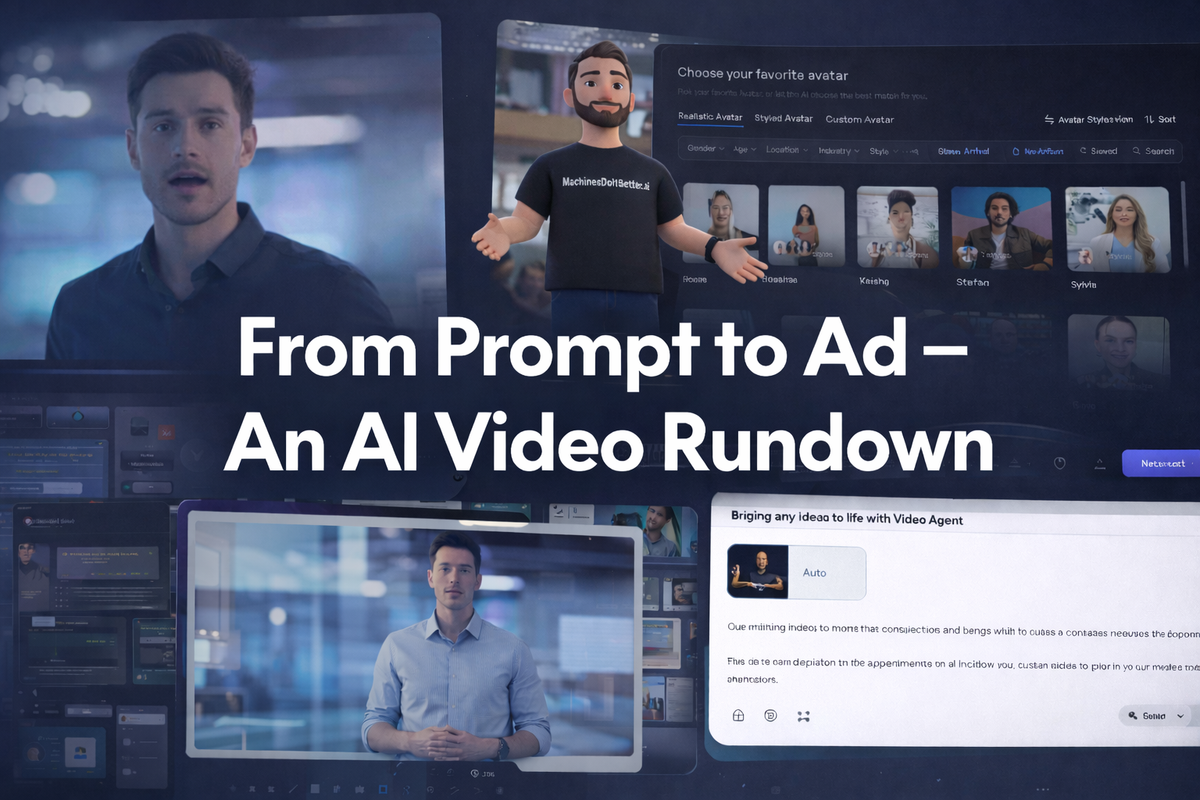
AI video generators are often presented as a shortcut to cinematic, studio-quality content — tools that promise to turn a simple idea into something that looks ready for Hollywood. In this article, we take a grounded look at how that promise holds up in practice. Rather than digging into advanced settings or complex customisation, we follow the most straightforward, guided path each platform offers — the journey new users are naturally led through, and the experience each service appears to consider its strongest first impression.
This approach won’t always reflect the full potential of a tool in expert hands, but it does show what happens when you simply follow the path the software puts in front of you. By keeping the process consistent across multiple services, we’re exploring what expectation versus reality looks like when creating AI video for the first time — focusing on the practical results you get when you let each platform put its best foot forward.
Winners and Losers
This isn’t a ranked list, but one platform stood out when it came to producing something genuinely usable.
HeyGen came out ahead overall. The result was still noticeably AI-generated, but it crossed an important line — it felt structured and polished enough to be used as a real advertisement with minimal changes. Compared to the others, it held together better and required less correction after the fact.
Creatify delivered a fairly solid result, but it didn’t look as polished as HeyGen’s output. It also made a number of assumptions about what the website was and how it should be presented, which sometimes drifted away from the actual positioning. It looks to have a plethora of options for customisation and control, and can likely produce much better results if more time is spent.
Invideo AI produced a decent voice-over, but the script made some very creative leaps away from the intended message. Several scenes even showed blank placeholders labelled “stock,” which made the video feel unfinished. With tweaking it might improve, but following the default guided path the result wasn’t usable.
MagicLight.AI focussed on animated character generation, but it struggled. The voice quality was poor, it showed a website that wasn’t even the real destination, and the editing introduced odd cuts and jumps that broke the flow entirely. The result felt rough and disconnected rather than usable. Like InVideo AI it might be better placed for a different type of content generation.
Synthesia required more manual effort than the others. The quality landed somewhere in the middle — close to usable — but the final output still looked very obviously AI-generated, particularly in delivery and presentation.
HeyGen
https://www.heygen.com [Affiliate Link]
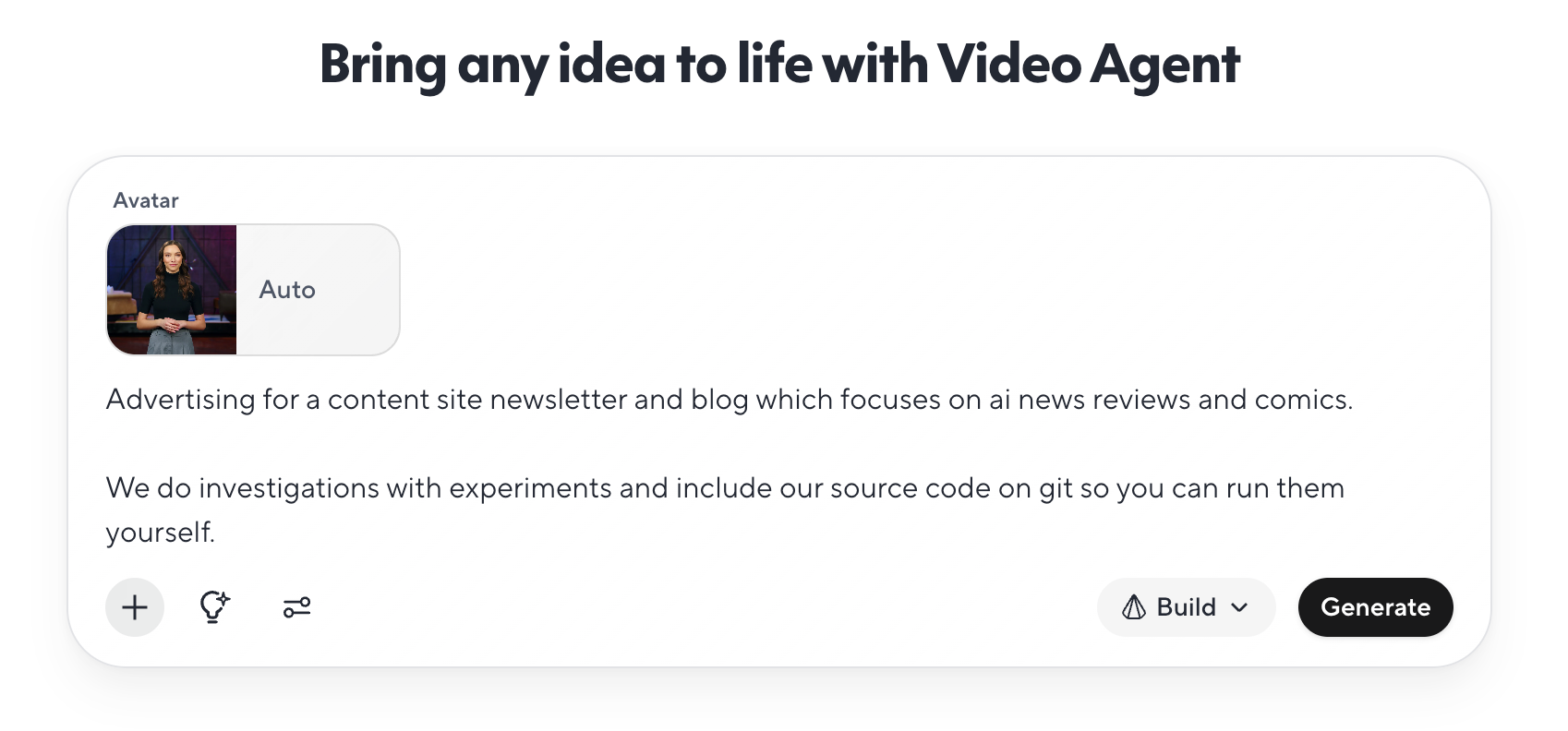
A simple straight forward flow, we enter a script select an avatar and a voice and generated our video:
The results were great, and although it is clearly AI generated, it feels polished enough as is to use in a real ad:
Creatify
https://creatify.ai/ [Affiliate Link]
Although the process was similar to HeyGen, the final result from Creatify was not as polished. We did note that there were many options and the output seemed highly customisable. We do expect with more work a much better result could be achieved.
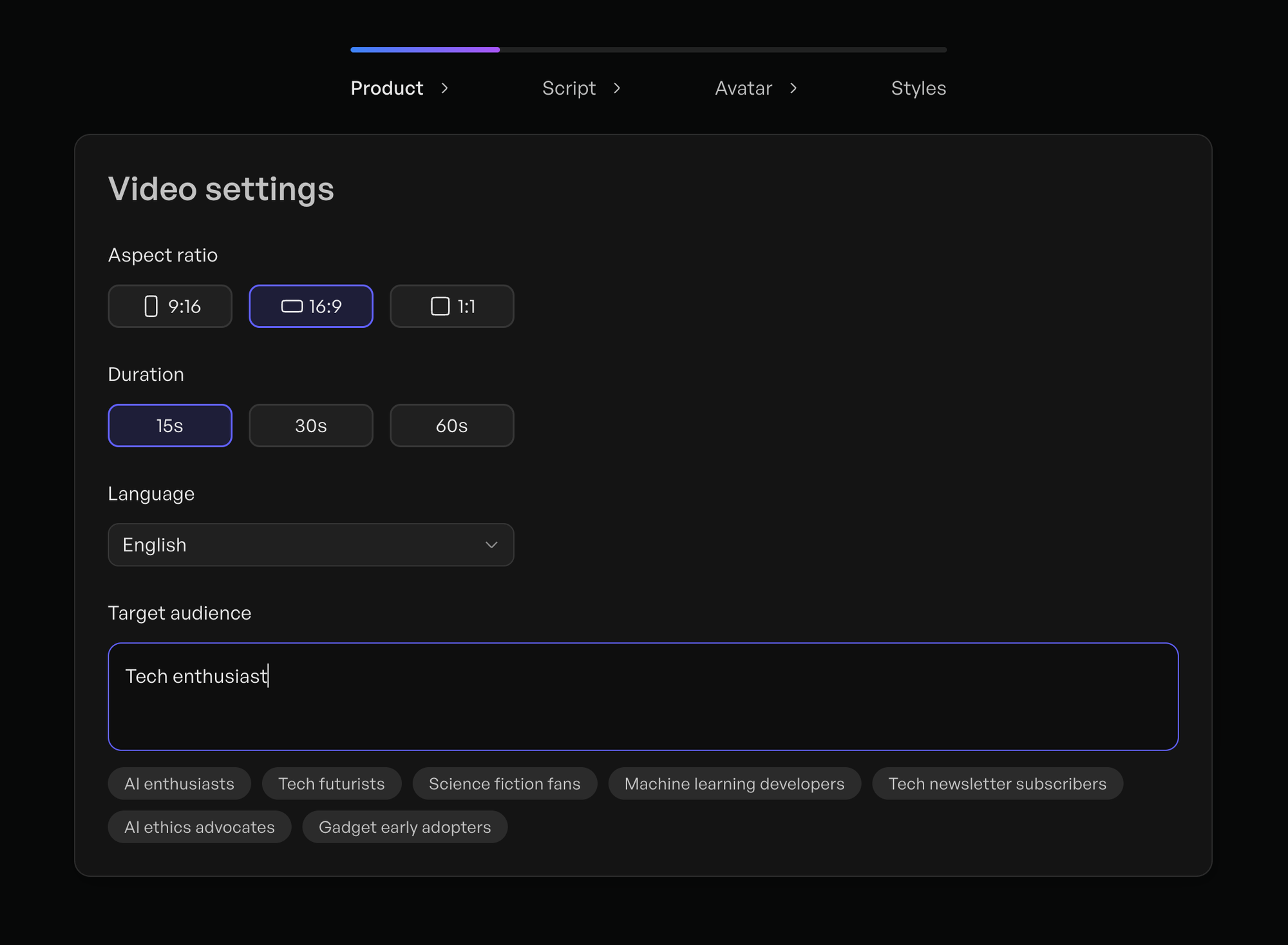
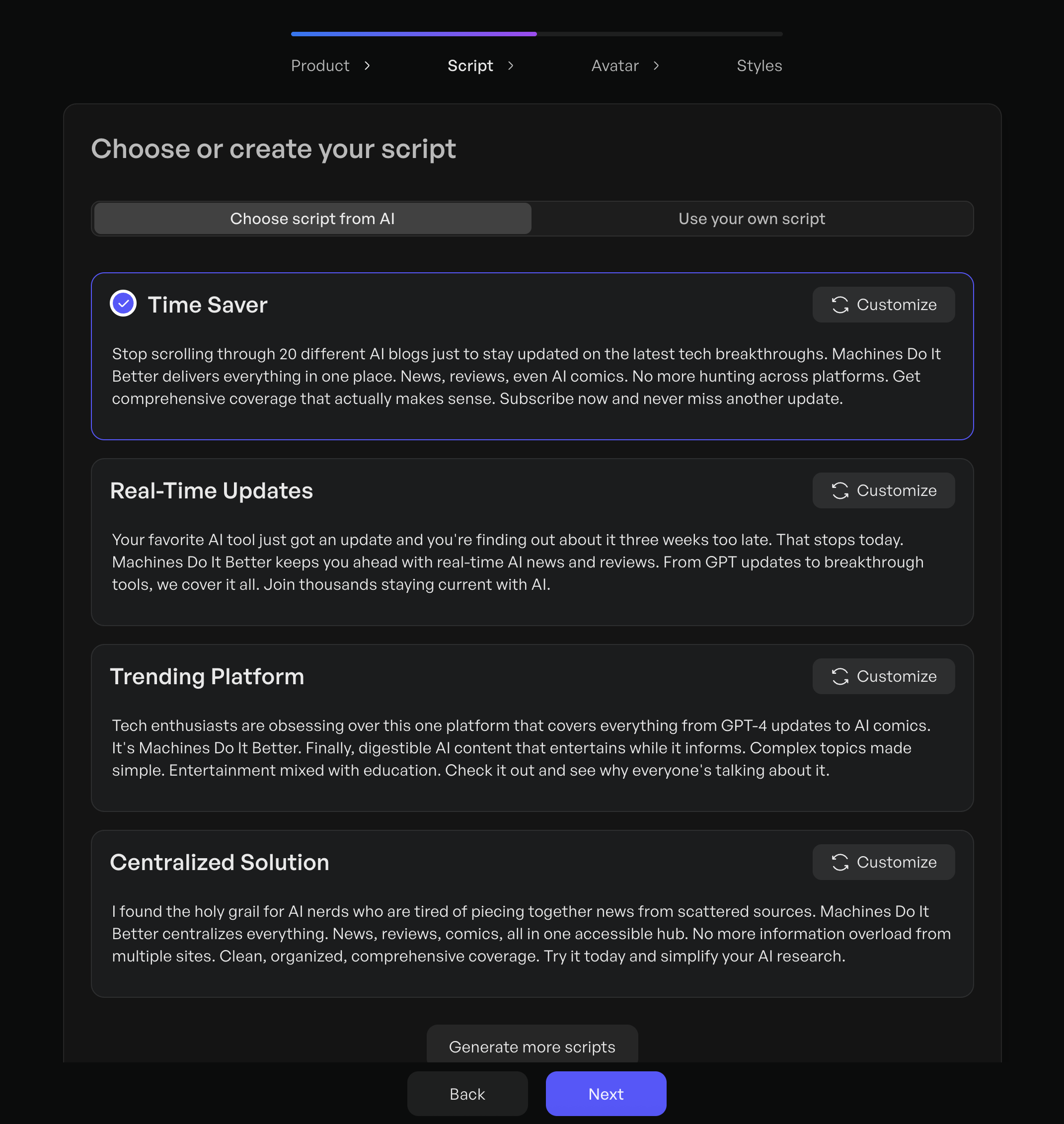
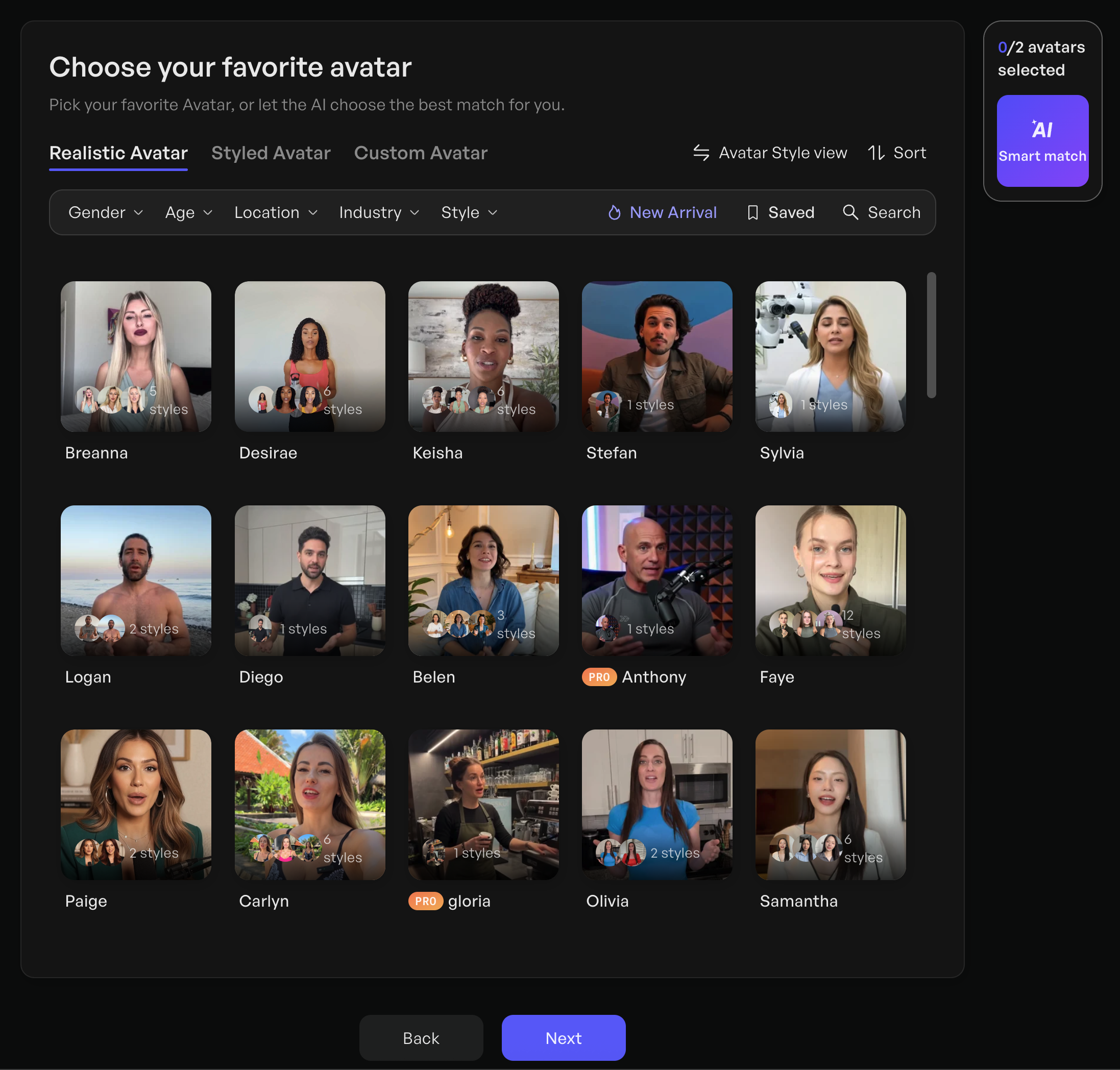
Here's the ad we created:
Invideo AI
https://www.invideo.io [Affiliate Link]
The process started with a straight forward prompt:
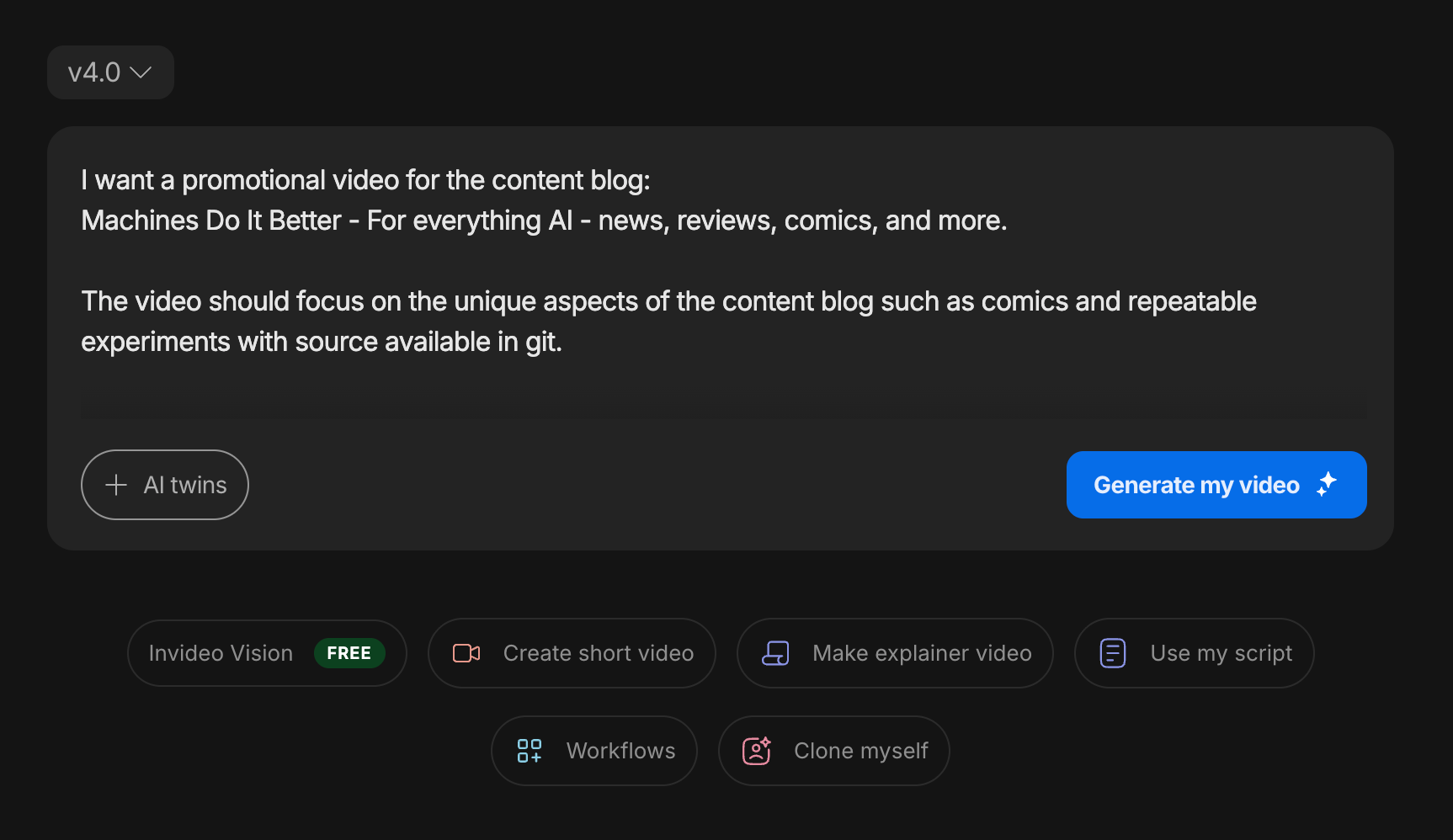
But the results were unusable. It generated a lot of information that was inaccurate and had placeholder images in the final product. It feels like there is something good here, it is just not quite ready yet:
MagicLight.AI
https://magiclight.ai [Affiliate Link]
With a focus on animated characters, it felt quite different from the other tools tested and offered a wide range of setting styles to choose from.
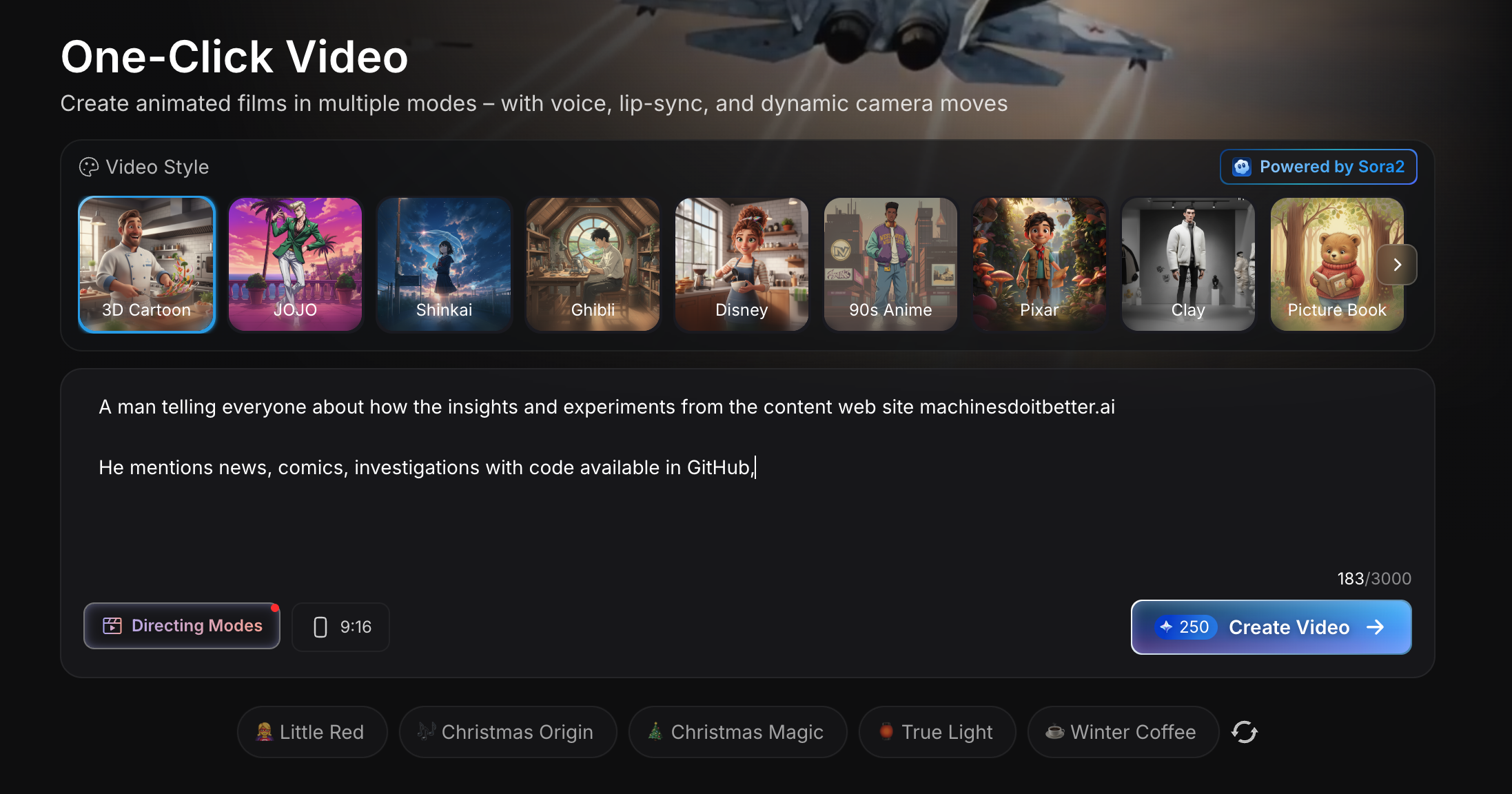
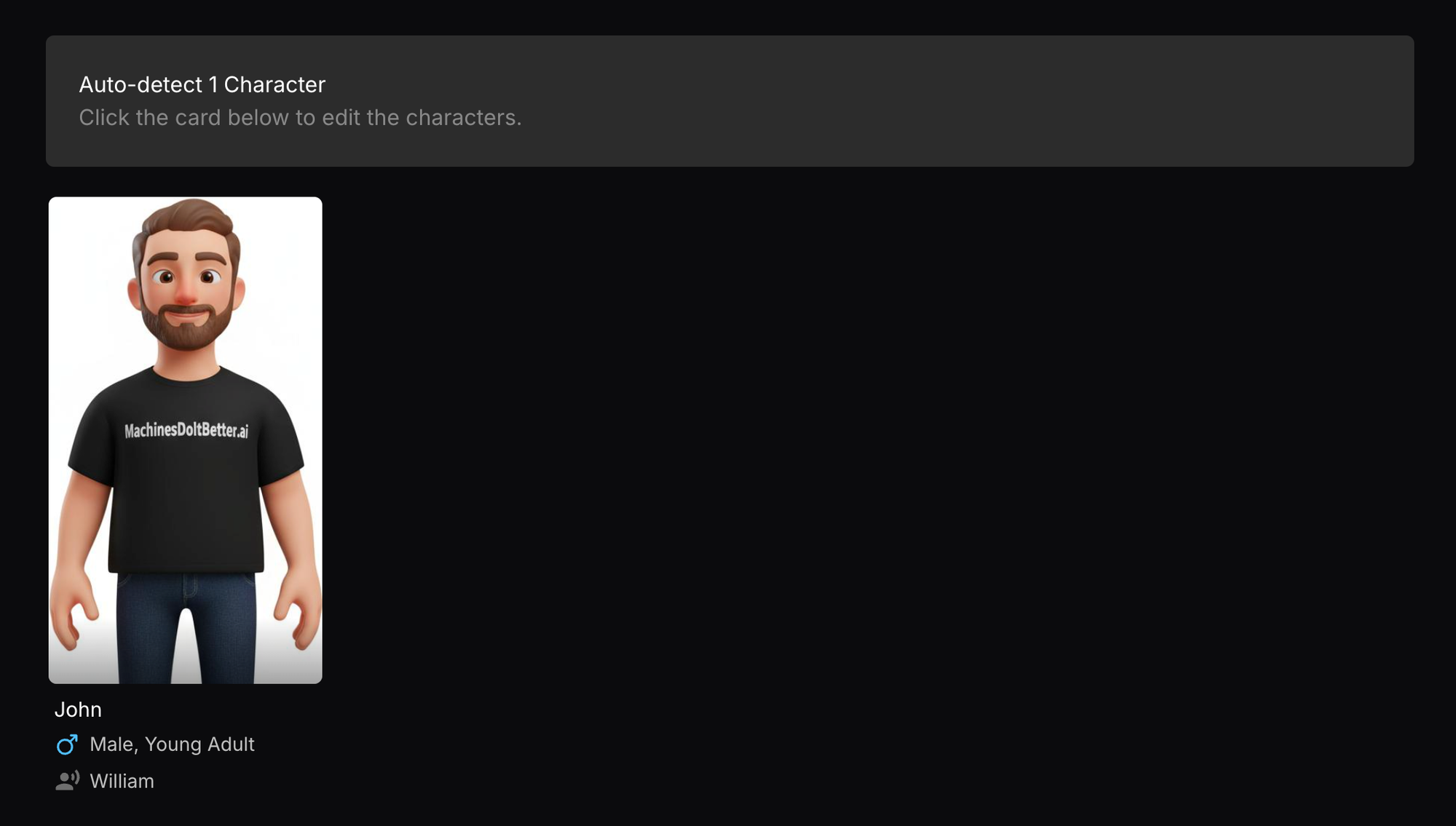
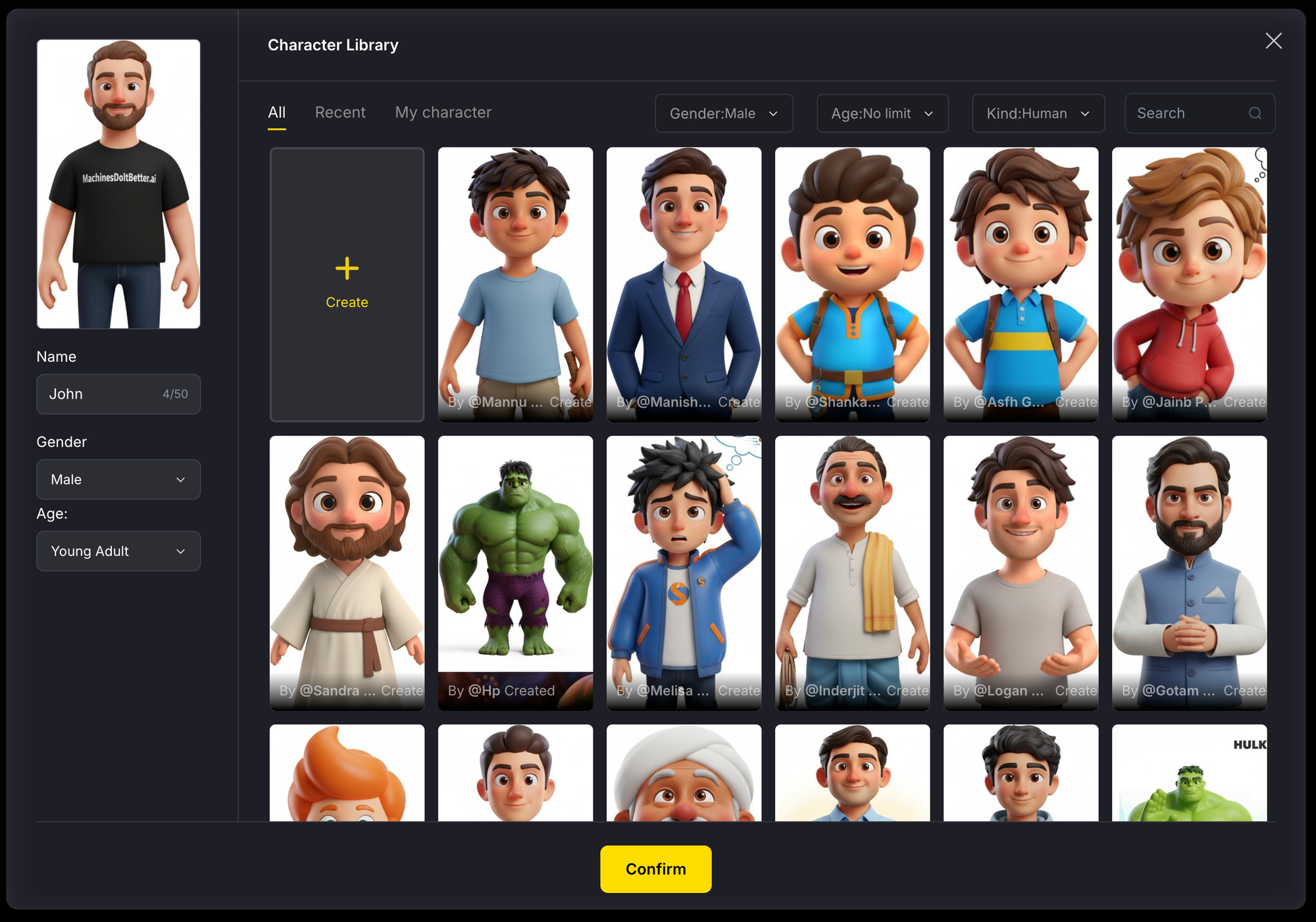
Unfortunately, the results weren’t strong — the edits felt choppy and much of the content wasn’t relevant to the site, even showing a “made-up” website instead of pulling from the real one:
Synthesia
https://www.synthesia.io [Affiliate Link]
Synthesia took more of a template-driven approach, letting you manually edit text and layouts almost like a PowerPoint, while the avatar and script itself was auto-generated. It’s an interesting balance of control and automation, though it feels like it would be much stronger if you could manipulate the templates more directly using AI.
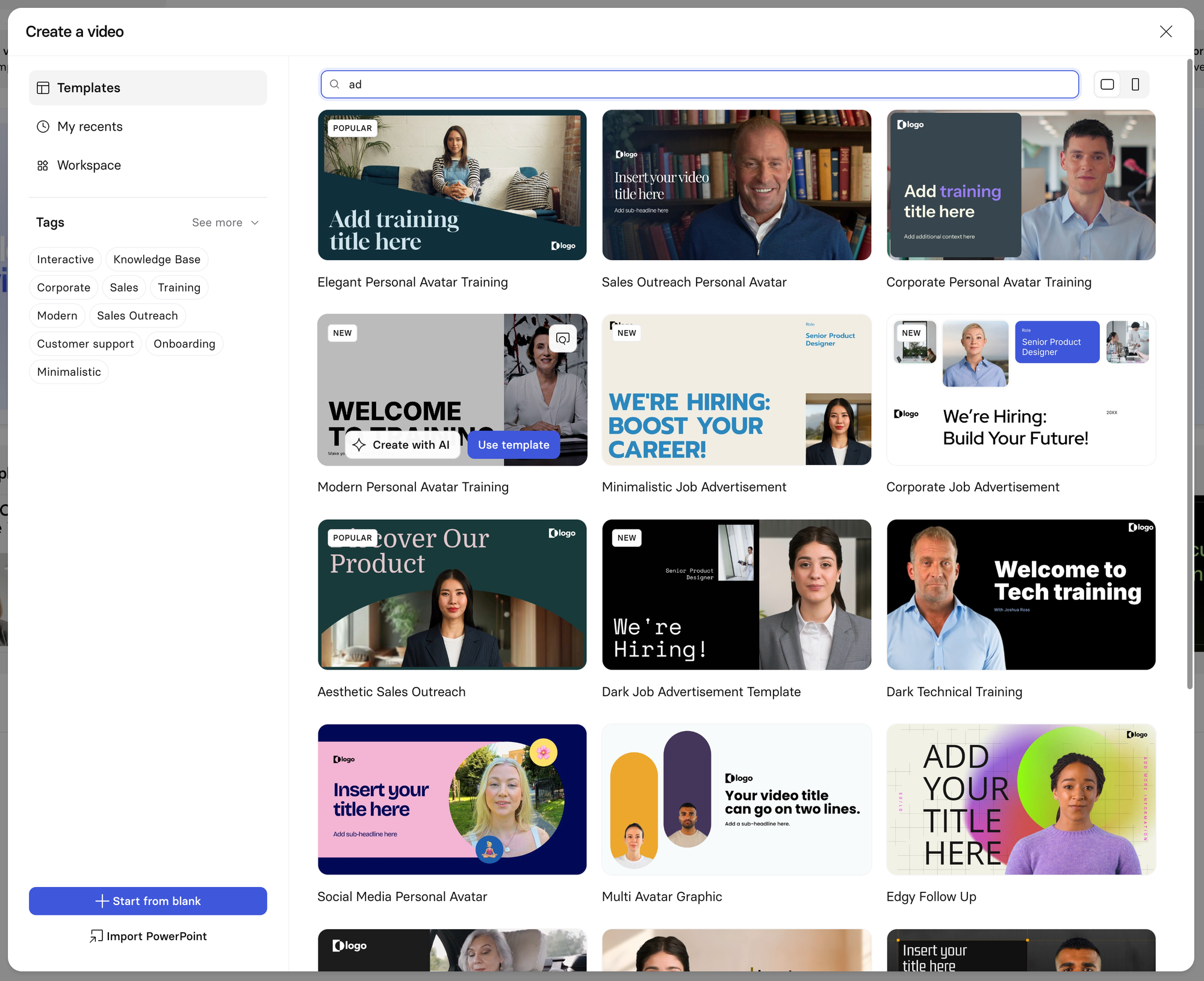
The results were close to usable, and some may appreciate the added manual control. Unfortunately, exporting the video required a paid plan, so to keep the test fair we’re sharing the preview link instead:
https://share.synthesia.io/3454bfc5-0eae-4778-954e-418237c43c3e
Conclusion
This comparison focused deliberately on free tiers and minimal customisation, following the simplest paths each platform presents to new users. While that approach highlights what’s immediately accessible, it doesn’t reflect the full potential of these tools when time, iteration, and paid features are involved. Several of the platforms tested would likely perform much better with deeper configuration and hands-on refinement. In a follow-up, we’ll take a closer look at a smaller set of standout products, exploring what’s possible when you go beyond the default experience and really lean into what these tools can do.